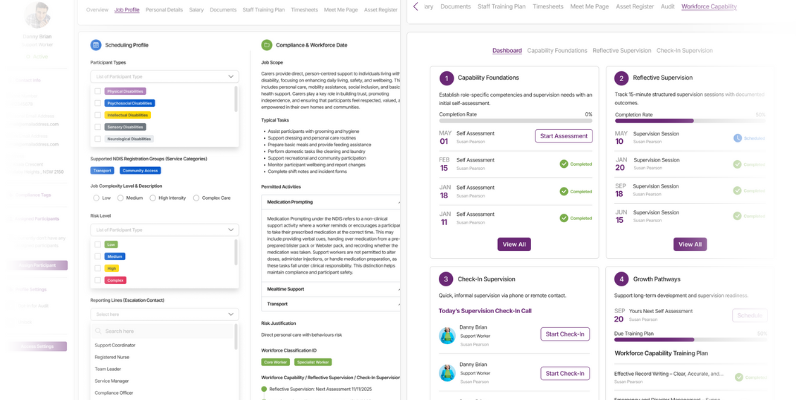
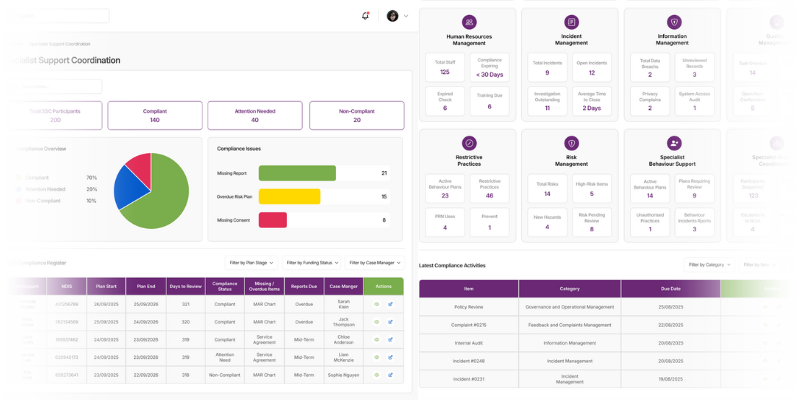
Drag & Drop Rostering GPS Time Tracking

Scheduling that
thinks for you

My Care CRM matches qualified workers to participants automatically, tracks shifts via GPS, generates timesheets, and pushes everything to Xero. From roster to payroll — one seamless flow.
My Care CRM Scheduling Module

Built for the way you work

Every feature designed around real NDIS scheduling challenges. Compliance isn't an add-on — it's the foundation.

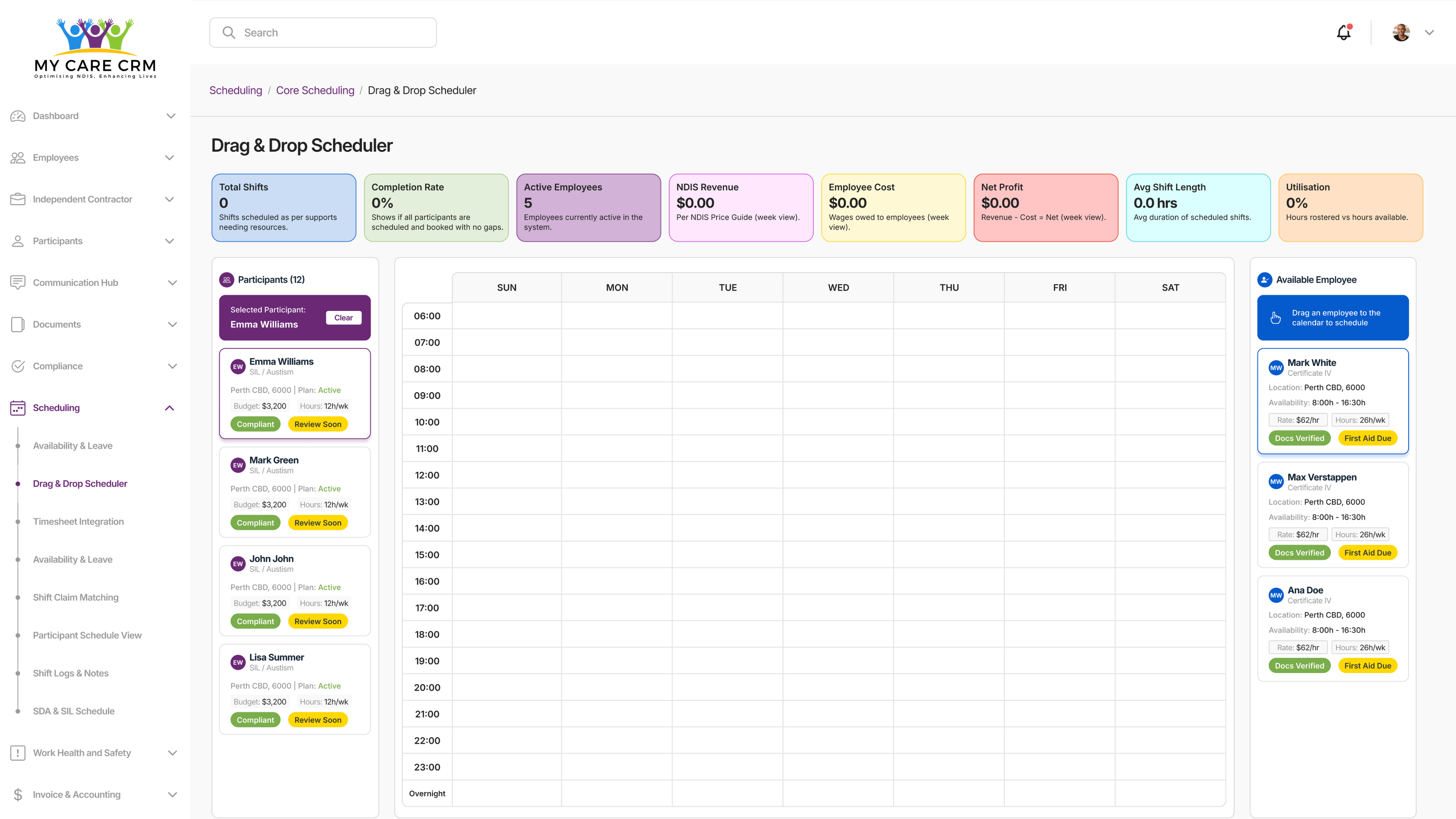
Drag & Drop Calendar

Visual rostering with day, week, or month views. Move shifts effortlessly. See availability at a glance. No more spreadsheet chaos.

Smart Worker Matching

Select a participant and only see workers who are qualified, available, and compliant. The system won't let you assign someone who shouldn't be there.

Roster Templates

Save common roster patterns and apply them in seconds. Perfect for regular support schedules. Reclaim hours of admin time every week.

Real-Time Budget Feedback

See how your scheduling decisions affect participant budgets as you make them. No surprises at month end. Stay within plan limits automatically.

Efficiency Analytics

Compare current rosters with historical data. Identify patterns, optimise travel time, and make data-driven scheduling decisions.

One-Click Notifications

Push shift notifications to all employees instantly. No chasing people. No phone tag. Everyone knows their schedule immediately.

Conflict Detection

My Care CRM scans every roster for errors, overlaps, and compliance issues before you save. Problems are caught, not discovered later.

Availability Management

Easy-view employee availability shows who's free, who's on leave, and who's already at capacity. Schedule with confidence.

Timesheet Verification

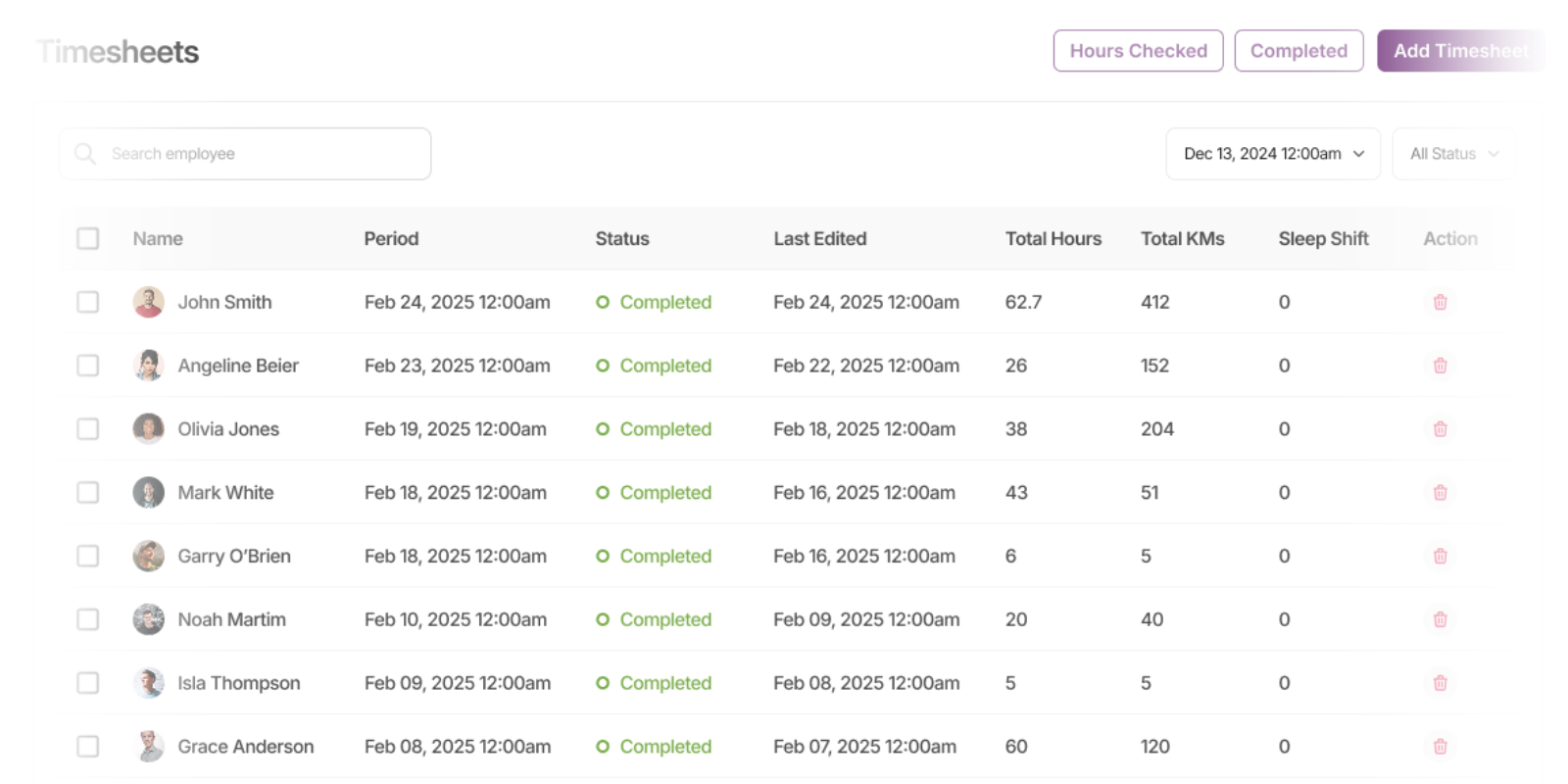
Let My Care CRM verify timesheet validity automatically. GPS data, shift duration, and compliance checks — then human approval with a single click.

From roster to invoice, automated

See exactly how a shift moves through My Care CRM — from initial scheduling to final payment, with compliance at every step.

1

Scheduler Creates Shift

Drag a shift onto the calendar. My Care CRM shows only qualified, available workers for that participant's specific requirements. Add custom notes for the worker to review.

Compliance enforced automatically
2

Employee Gets Notified

Worker receives push notification on their My Care app. They see full participant details, support requirements, and any scheduler notes — all auto-populated from My Care CRM.

Real-time sync to mobile
3

Accept or Decline

Worker reviews and responds. If they accept, shift status updates to confirmed. If they decline (with notes), scheduler is notified instantly and shift remains open for reassignment.

Two-way communication
4

Shift Begins

Worker arrives, reviews participant notes in the app, and taps "Start Shift". GPS monitoring activates. Shift duration timer begins. Everything is tracked automatically.

GPS-verified attendance
5

Shift Completes

Worker ends shift, adds case notes, and uploads any required documents. Everything is auto-filed to the correct participant and employee folders. Kilometres and hours calculated.

Automatic documentation
6

Records Generated

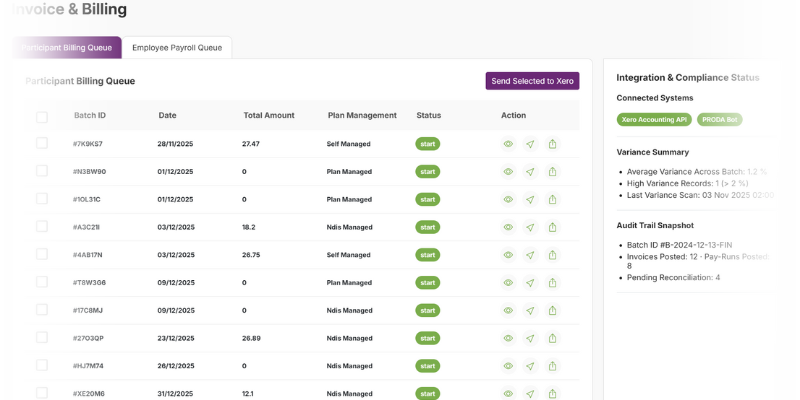
Behind the scenes, My Care CRM creates a timesheet entry, travel claim, and service delivery confirmation for PRODA invoicing. All data is validated and ready.

Zero manual entry
7

End of Cycle

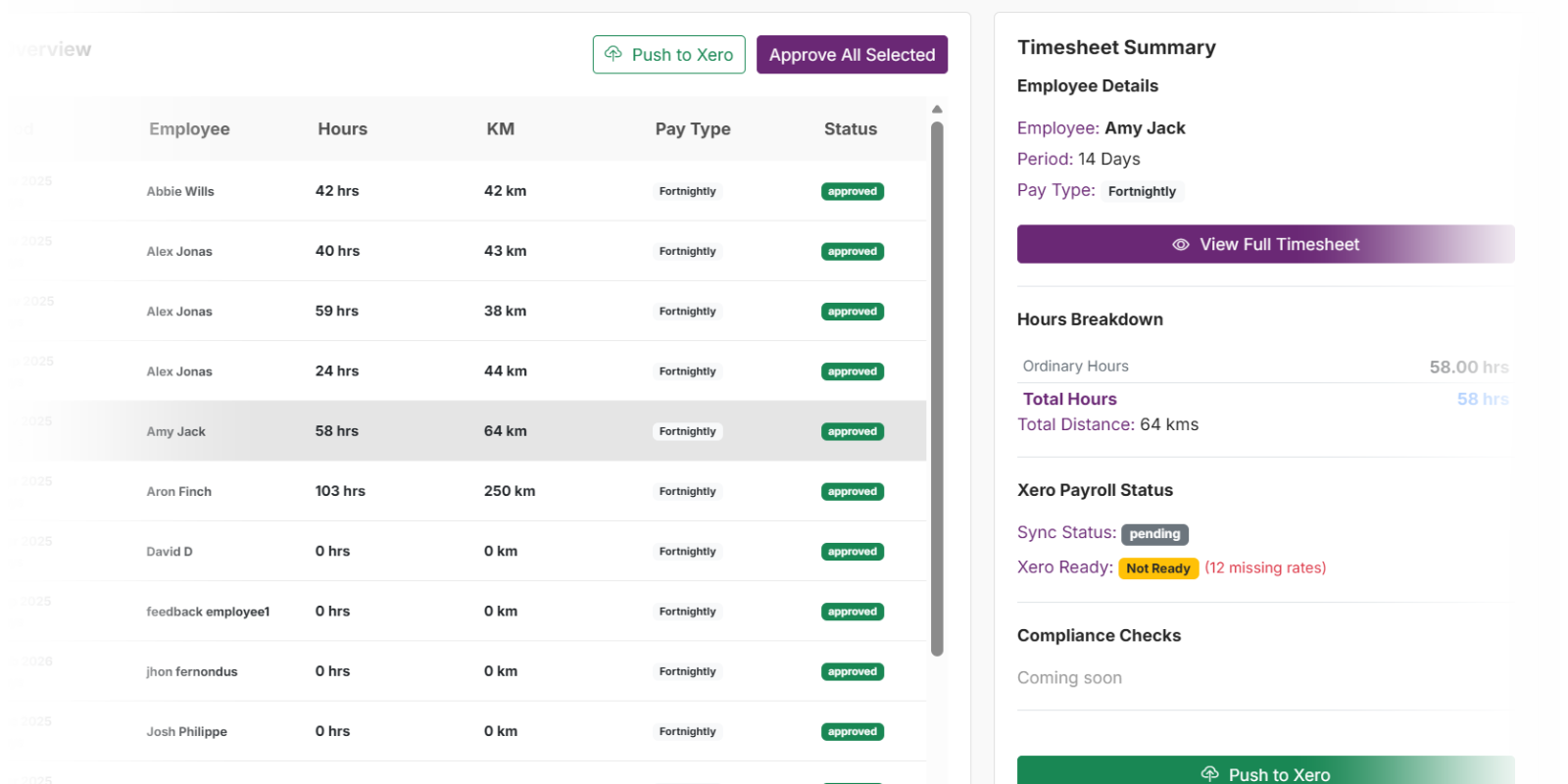
Scheduler reviews timesheets (pre-verified by the system), approves with one click, and pushes to Xero. Services are invoiced and sent. Case notes, incidents, everything synced.

Seamless Xero integration

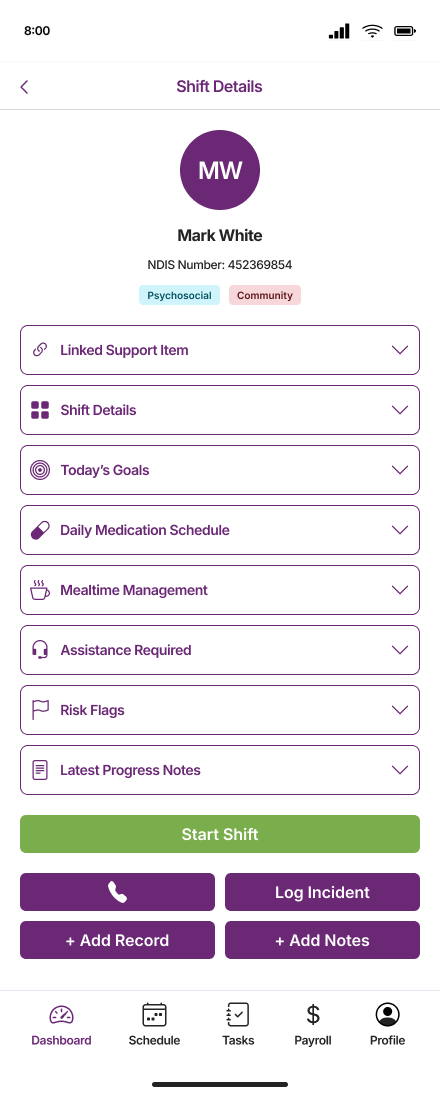
Everything in their pocket

Your workers get a purpose-built mobile app that makes their job easier. Shift details, participant info, case notes, documents — all synced in real-time with My Care CRM.

View Shift Details

Participant requirements, scheduler notes, and location — all before they arrive

GPS Check-In/Out

Tap to start, tap to finish. Location verified. Time tracked. Kilometres calculated.

Case Notes & Documents

Add notes, capture photos, upload files — all auto-filed to the right folders

Works Offline

Full functionality in areas with poor reception. Syncs automatically when back online.

My Care CRM Employee App

What happens behind the scenes

Every shift generates a cascade of automated actions. Here's what My Care CRM handles so you don't have to.

Timesheet Entry

Timesheet Entry

Hours calculated from GPS-verified check-in/out times

Travel Claims

Travel Claims

Kilometres auto-calculated and ready for reimbursement

Service Delivery

Service Delivery

PRODA-ready invoicing with correct support codes

Budget Updates

Budget Updates

Participant funding balances adjusted in real-time

Document Filing

Case notes and files sorted to the right profiles

Xero Sync

Timesheets and invoices pushed with one click

Compliance Checks

Compliance Checks

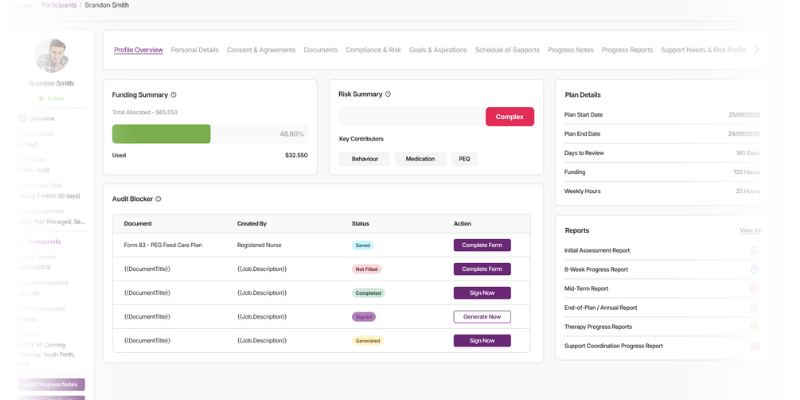
Worker qualifications verified before every shift

Audit Trail

Audit Trail

Every action logged for compliance reporting

70%
Less time on rostering admin
0
Manual timesheet entries
100%
GPS-verified shift records
1
Click to approve & export

Ready to transform your rostering?

See how My Care CRM can eliminate scheduling headaches, automate timesheet processing, and keep you compliant at every step.